What a student planner should do
In college or university, every course comes with its own syllabus, its own deadlines and its own way of counting marks. A good planner keeps all of it in one place and answers a few questions quickly:
- What’s due next, and how much is it worth?
- When are my classes, and what else is on this week?
- Where do I stand in each course?
- Where are my notes for this class?
Syllabi is built around those questions. Here’s how each part answers them.
Your deadlines and class schedule, from the syllabus
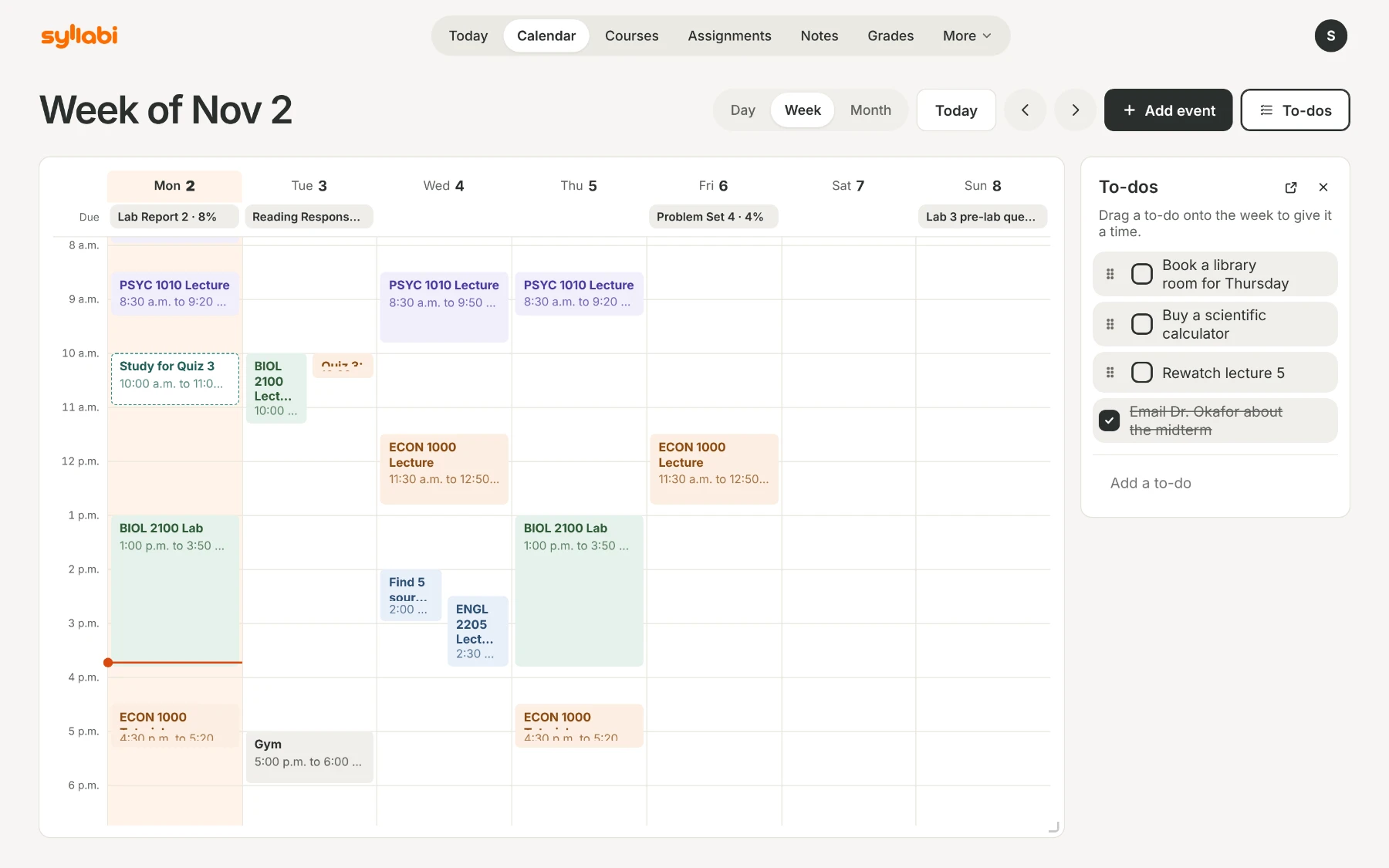
Upload each course outline once: a PDF, a Word file, a photo or pasted text. Syllabi finds every assignment, quiz and exam with its date and weight, and your class times, and puts them on one calendar with day, week and month views. You check what it found before anything is added.
Then add the rest of your week, like work or practice, with events that repeat. The step-by-step version is in How to turn your syllabus into a semester plan.
An assignment and homework tracker that knows the weights
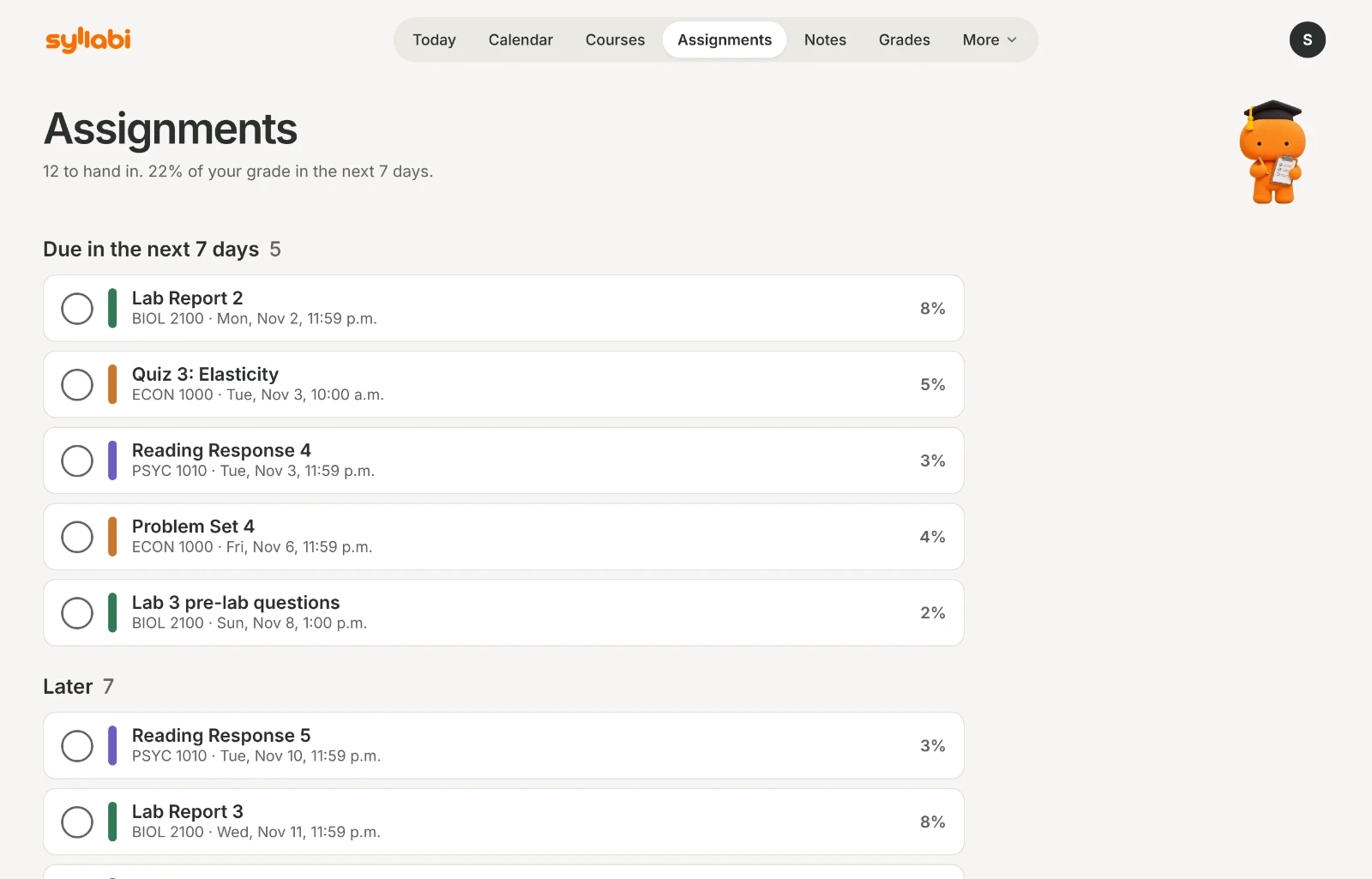
Assignments lists every assignment, quiz and exam by due date, with what it’s worth, so the essay worth 30% doesn’t hide behind the 2% quiz.
Add an assignment’s instructions or rubric and Syllabi turns what they say into a checklist: the due date, the length, the format, the citation style, the sections to include. Each line shows where it’s written, and anything the document doesn’t say stays marked Unknown. Syllabi never guesses, and never writes your work.
Today: what to do next
Today opens on the next thing due and how much it counts, then the week’s classes and deadlines, your study blocks and your to-dos. Reminders are included, and widgets put the next deadline on your Home Screen.
Grades, notes and study time in one place
Add your marks as they come back and see your grade so far in each course, weighted the way the syllabus says. What do I need? shows the mark you need on the final.
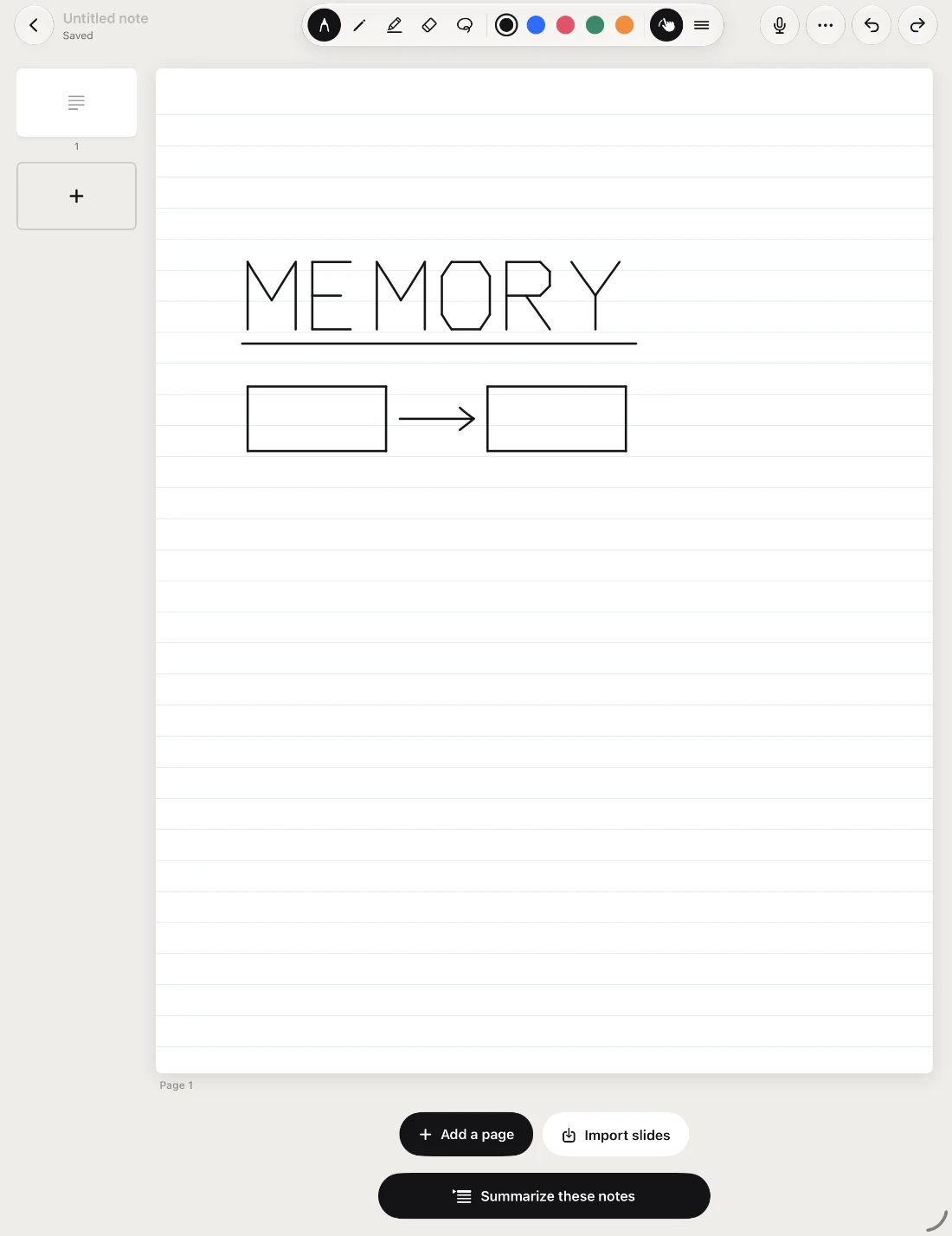
Notes stay with their course: type them, write by hand on iPhone or iPad, or write on your lecture slides. Search finds your handwriting too. More about notes.
Study mode is a focus timer, 25 to 90 minutes with breaks, that stays on your Lock Screen on iPhone.
The same semester on iPhone, iPad and the web
Sign in with the same account and your courses, deadlines, grades and notes match on every screen. On a computer, use Syllabi on the web. Syllabi for Mac is coming. The app and this website are in English and French.
Free, with Pro when you need more
Syllabi is free, with up to 6 courses, 18 syllabus uploads a term, reminders and calendar sync. Syllabi Pro is CA$4.99 a month or CA$19.99 a year, and when you sign in and add your first course, 14 days of Pro start on their own. There are no ads, on Free or Pro. Compare Free and Pro.
Get started in three steps
- Get Syllabi on the App Store, or use it on the web.
- Upload this term’s syllabuses.
- Check the dates, then open Today.